
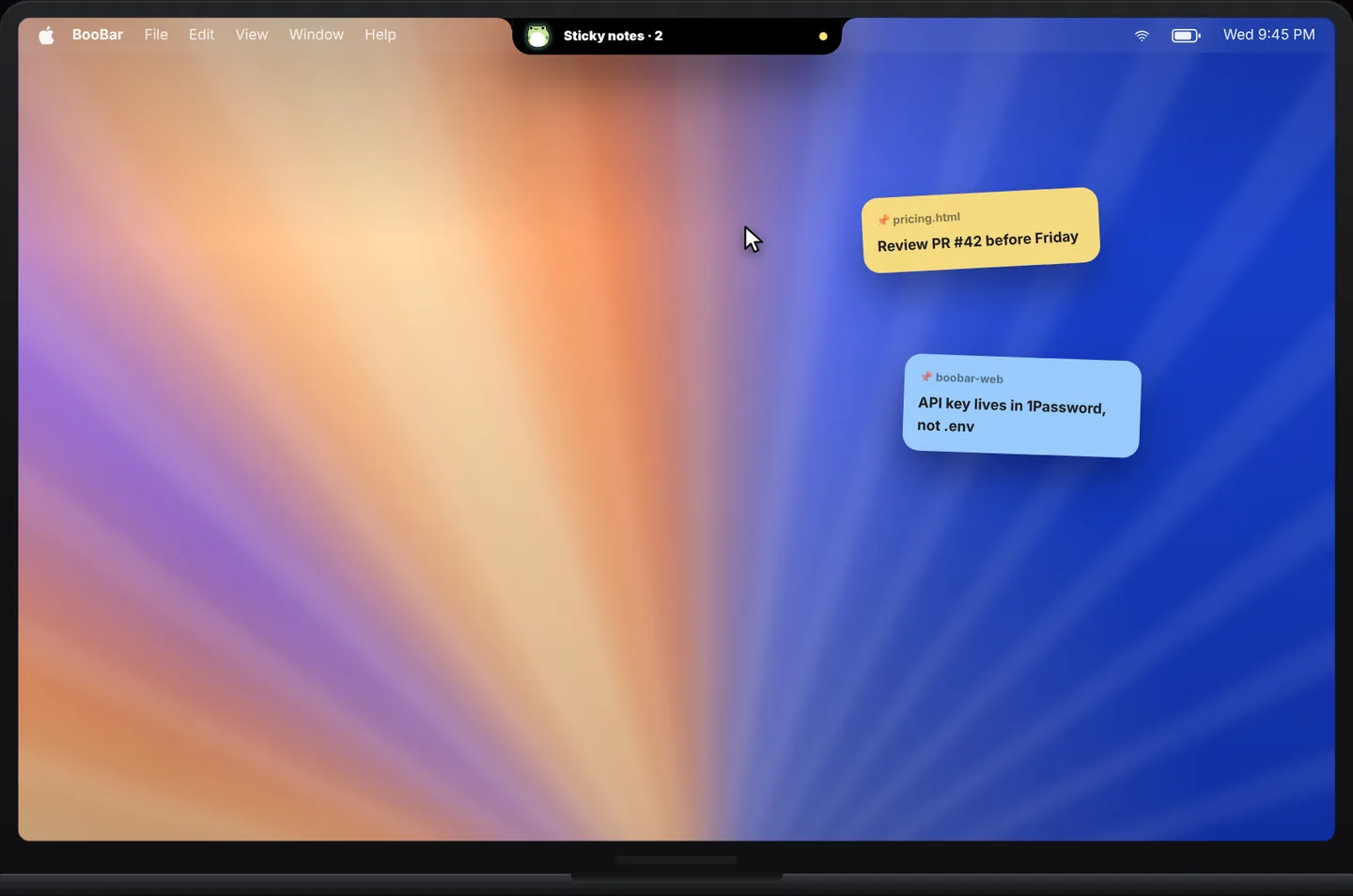
Notes with context
Every note remembers what it was about. Open that file or page again and its notes come back with it — no folders, no searching.
- Attach notes to windows, files and web pages.
- Notes reappear when you return to what they belong to.
- Colourful cards that are easy to tell apart at a glance.
Out of the way until you need them
Drag a note against the left or right edge of the screen and it tucks in, leaving a sliver visible. Point at it and it slides back out. Your desktop stays clear, your notes stay one move away.
Next to your clipboard and dev tools
The same ⌃⇧N wheel opens your searchable clipboard history and 40+ offline dev tools, so the small things you reach for all day live in one place.
Questions, answered
Where are my notes stored?
Locally on your Mac. Notes are not uploaded anywhere.
Can a note follow a web page?
Yes. Notes can belong to a window, a file or a web page, and come back when you return to it.
How do I hide a note?
Drag it to the left or right edge of the screen. Hover the edge to bring it back.
How do I create a note quickly?
Press ⌃⇧N anywhere and choose Sticky Notes in the wheel.