
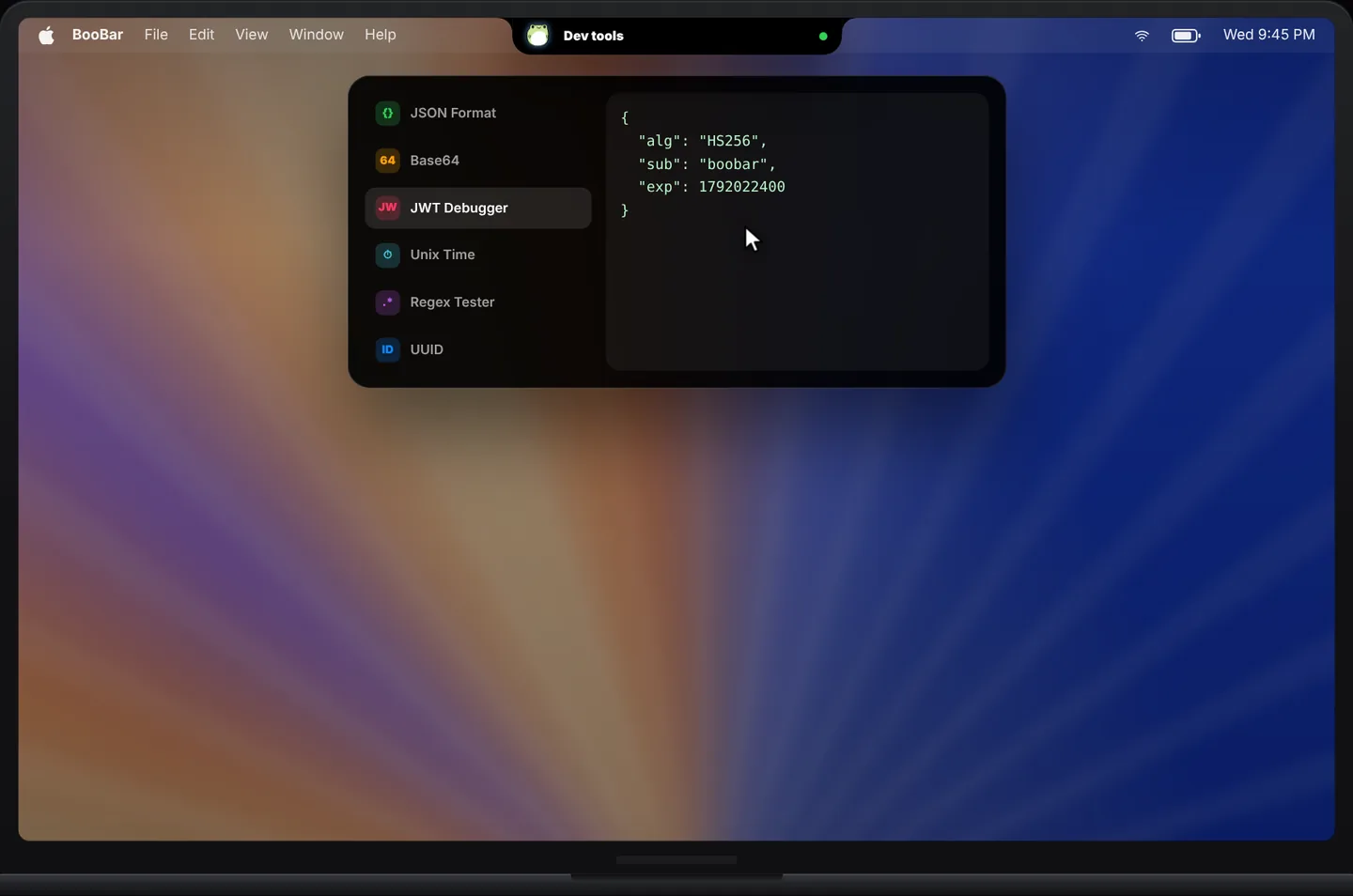
The converters you reach for every day
Everything is offline, instant and keyboard-friendly.
- JSON formatting and validation.
- Base64 encode and decode.
- JWT decoding.
- Regular expression testing.
- Timestamp conversion.
- Hashes and colour conversion — and more.
Safe for secrets
Tokens, API responses and customer data shouldn't be pasted into online formatters. BooBar's tools run locally, so there's nothing to upload and nothing to leak.
Questions, answered
Do the tools work offline?
Yes. All of them run locally on your Mac — no network connection is needed.
Which tools are included?
More than 40 converters, including JSON, Base64, JWT, regex, timestamps, hashes and colours.
How do I open them?
Press ⌃⇧N anywhere and choose Dev Tools in the wheel.
Is my data sent anywhere?
No. Input stays on your Mac.