
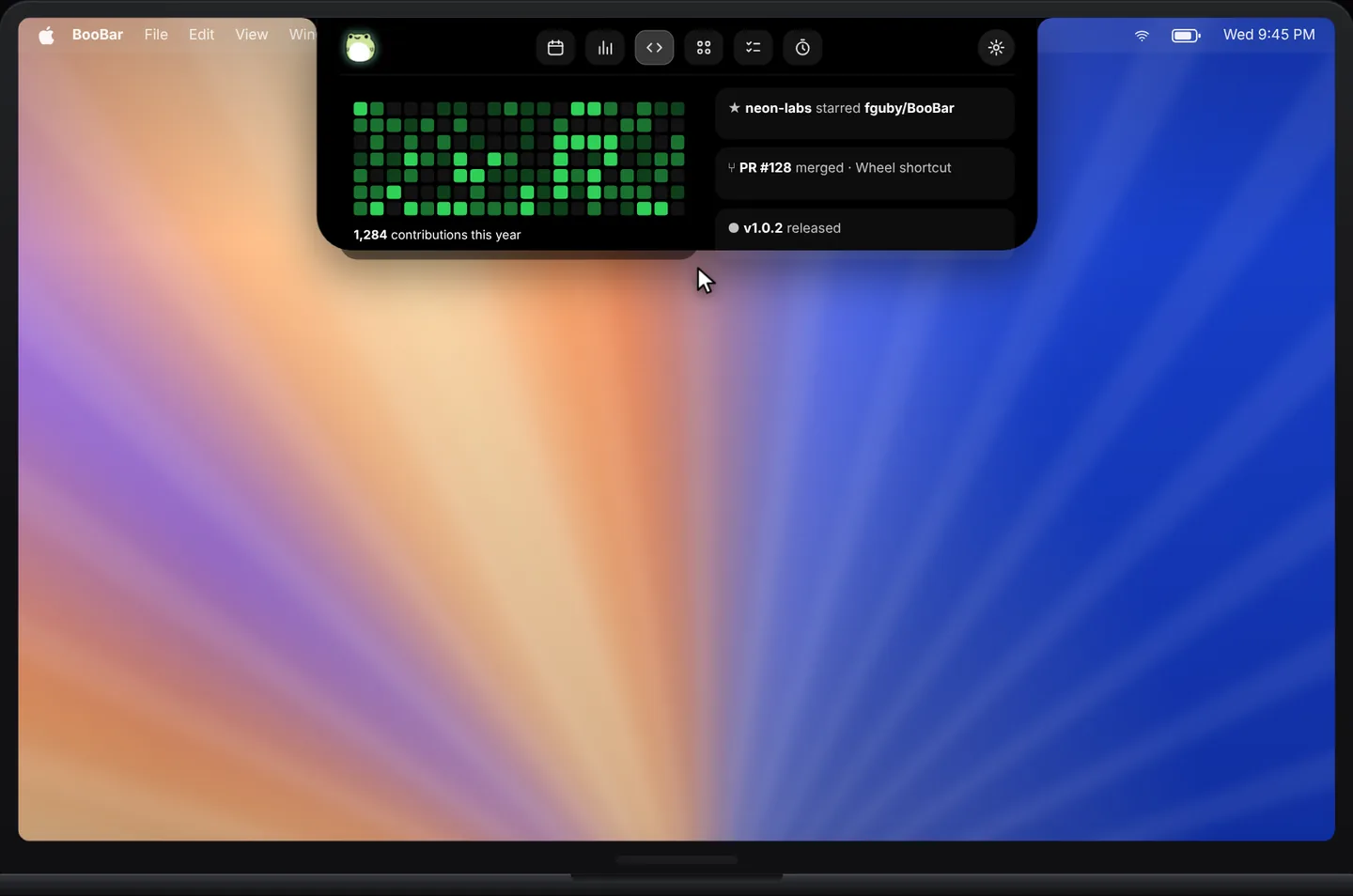
At a glance, not another tab
The GitHub panel shows the things you actually check: your contribution graph, this week's activity, and recent stars and pull requests.
- A contribution graph with this week's count.
- Recent stars, pull requests and activity.
- Terminal-style design that sits naturally next to your agent tasks.
Part of a developer's island
The GitHub panel lives next to Codex and Claude Code sessions, system stats and the dev tools wheel — everything a developer glances at, in one place.
Questions, answered
What does the GitHub panel show?
Your contribution graph and recent activity — stars and pull requests — for the GitHub account you sign in with.
Do I have to keep GitHub open in a browser?
No. BooBar fetches your activity itself and shows it in the island.
Can I hide it?
Yes. Every island panel can be turned on or off in Settings.
Does it work on Macs without a notch?
Yes, on any Mac with macOS 14 or later.