
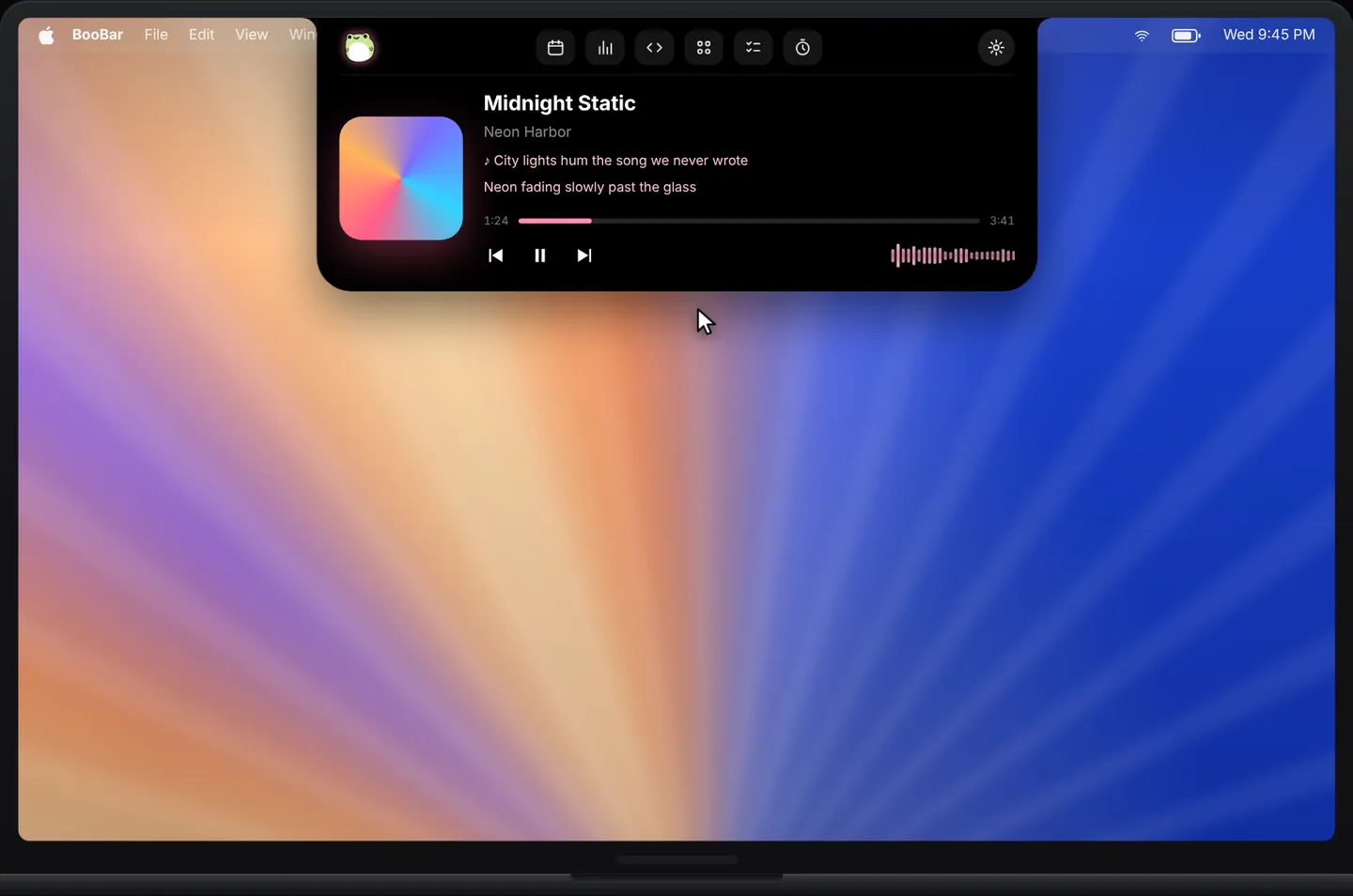
A player that lives where you look
No mini-player window to place, no menu bar icon to hunt for. The song is always at the top of your screen and gets out of the way when an agent or a code needs the space.
- Artwork-coloured card that matches the album.
- Live lyrics that follow the song.
- A smooth audio visualizer in the compact island.
- Play, pause and skip without switching apps.
Works with the rest of the island
Music shares the island with your calendar, Codex and Claude Code tasks and mail codes. When something more important happens, the island switches to it — and goes back to the music afterwards.
Questions, answered
Which music apps work?
Apple Music, Spotify and most apps that show up in macOS Now Playing.
Does it show lyrics?
Yes. The lyrics card shows the current line and scrolls along with the song when lyrics are available.
Can I control playback?
Yes — play, pause and skip right from the expanded island.
Do I need a notch?
No. BooBar works on any Mac with macOS 14 or later, including external displays.